Destroying a database cluster destroys the backups of that database. Make sure you download any important data before you destroy a cluster.
How to Destroy Valkey Database Clusters
Last verified 11 May 2026
Valkey is a high-performance, open-source database that stores key-value data in memory, and is designed for caching, message queues, and primary database use. Fully compatible with Redis, Valkey serves as a drop-in replacement.
Destroy a Database Cluster Using Automation
You can destroy a database cluster using the DigitalOcean CLI (doctl) or the API.
Destroy a Database Cluster via CLI
Destroy a Database Cluster via API
Destroy a Database Cluster Using the Control Panel
Deleting a database cluster permanently and irreversibly destroys the cluster, its contents, and its automated backups.
To destroy a database cluster from the control panel, open the cluster’s More menu. Click Destroy to go to the cluster’s Settings page.
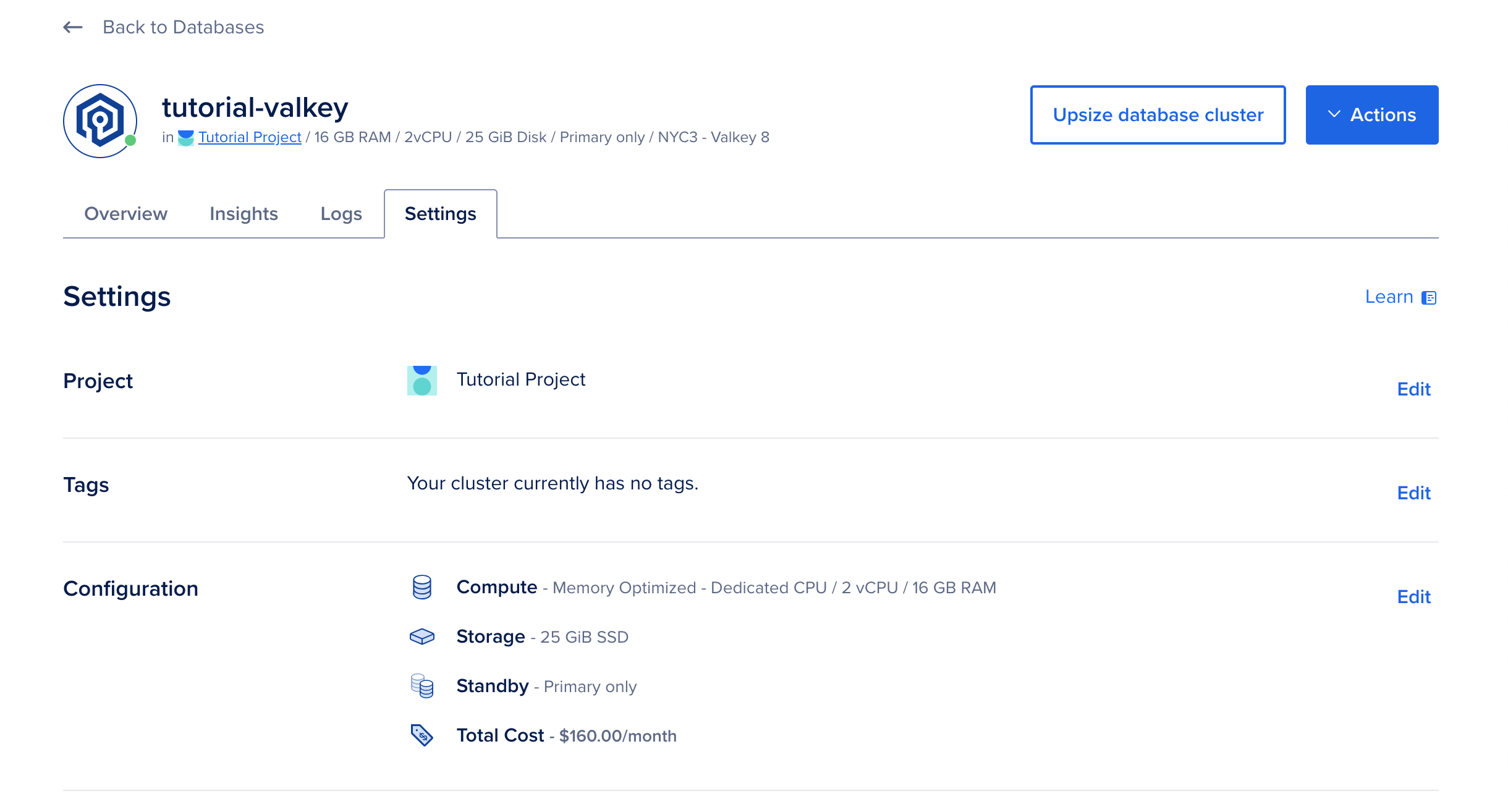
In the Destroy this database cluster section at the bottom of the page, click the Destroy button. This opens a Destroy database cluster confirmation window.
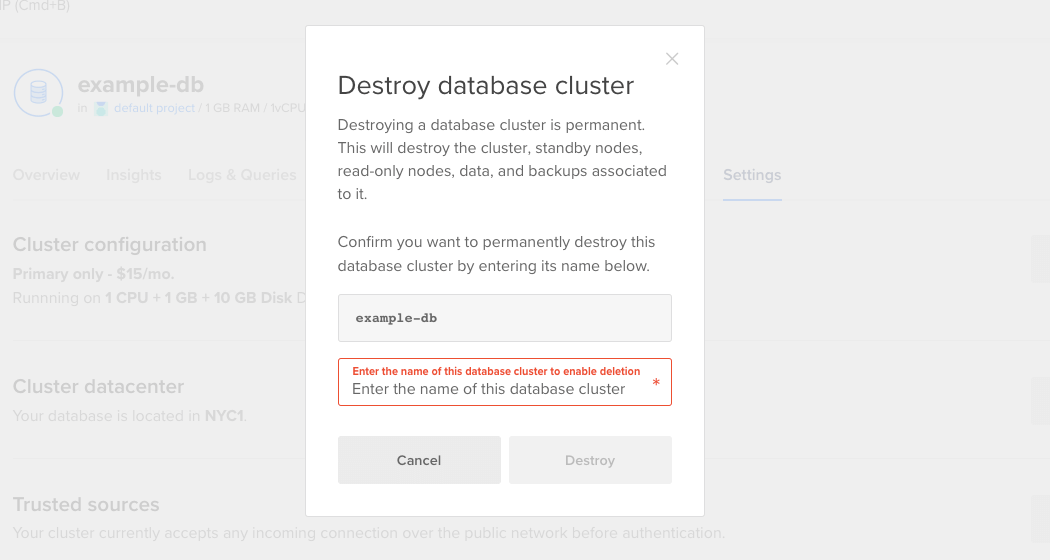
To permanently destroy the cluster, type or copy and paste the name of the database cluster into the text field, then click Destroy.